

Interactive Modules
You have two options to incorporate these interactive modules into your course:
- Add the viewing link (located below the image) to your course. After students complete the course they will receive a certificate they can download and submit as credit.
- Download the zip file and upload it into your Canvas course as a graded or ungraded assignment. This method allows you to track student completion in your gradebook. Directions for uploading to Canvas.
AI Literacy Modules

This module will give you an overview of what generative AI is and how it relates to other types of artificial intelligence.

This tutorial will help you determine which LLMs are best for different stages of the research process and the importance of acknowledging the use of generative AI in academic work.

This module will help you understand how to critically evaluate LLMs and their outputs and will give you credible resources for further study.
Information Literacy Modules

This tutorial will help you find a topic you're interested in and create an appropriate research question.

This tutorial will help you to begin searching for appropriate information sources for your research question.

This tutorial will help you to identify and evaluate information sources you encounter during research.

This tutorial will help you understand the process for citing sources.
Teaching with Library Resources
Instructional Videos
In addition to the interactive modules above, we have a variety of short videos that support research instruction that you can link or embed in your course:
Getting Started with Databases
There are more videos in both the Research Process page and the Advanced Topics page.
Please connect with us via the Asynchronous Instruction form to collaborate on additional instructional resources.
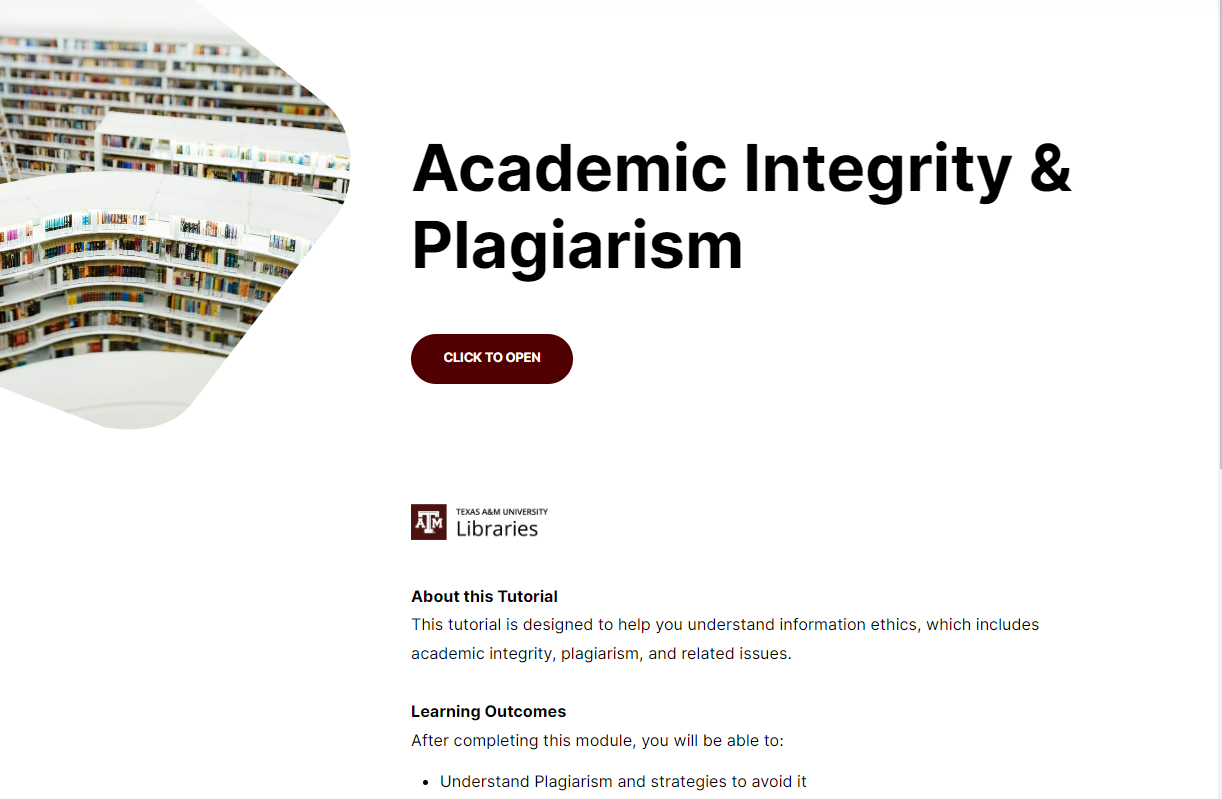
Academic Integrity & Plagiarism Module
Academic Integrity & Plagiarism
Download the zip file and upload it into your Canvas course as a graded or ungraded assignment. This method allows you to track student completion in your gradebook. Directions for uploading to Canvas.
Hullabaloo U Instructor Module
Our module for Hullabaloo U is called "Welcome to the University Libraries!"
Download the zip file and upload it into your Canvas course as a graded or ungraded assignment. This method allows you to track student completion in your gradebook. Directions for uploading to Canvas.
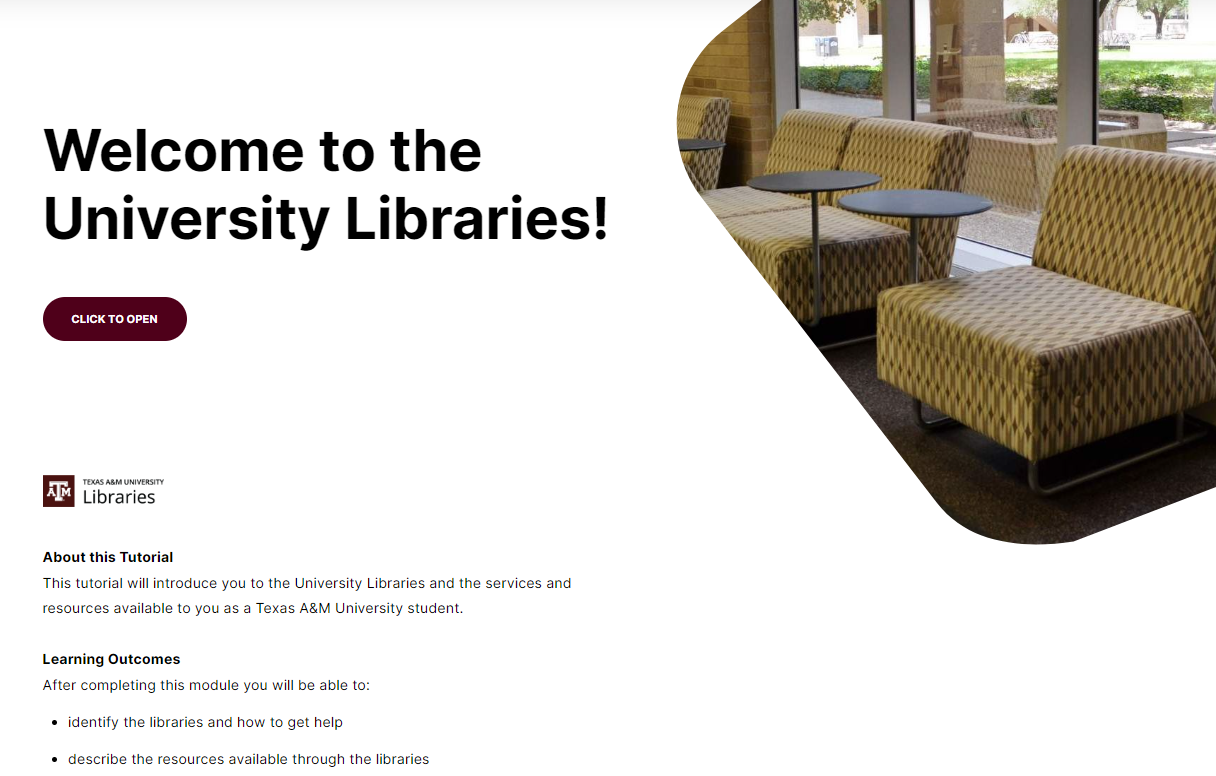
Welcome to the University Libraries Module
Introduce your students to the libraries with our "Welcome to the University Libraries!" module.
Download the zip file and upload it into your Canvas course as a graded or ungraded assignment. This method allows you to track student completion in your gradebook. Directions for uploading to Canvas.
Welcome to the University Libraries Module: McAllen
Introduce your McAllen Higher Education Center students to the the resources available to them as a Texas A&M University student with our "Welcome to the University Libraries!" module.
Download the zip file and upload it into your Canvas course as a graded or ungraded assignment. This method allows you to track student completion in your gradebook. Directions for uploading to Canvas.

Embedding Library Content & Streaming Media
Embedding Online Library Resources using the Proxy Link
Embedding online library resources using Proxy Link PDF VERSION
Embedding online library resources using Proxy Link TEXT ONLY VERSION
Embedding Library Streaming Services
Library Course Reserves
Setting up Your Library Reserves
Request Library Instruction or Tutorial
Request asynchronous instruction
Librarians can customize an asynchronous, online learning experience to meet your needs using online guides, tutorials, and tailored course assignments. Please allow at least 3 to 4 weeks advanced notice.
Invite a librarian to work with your students. Librarians will customize a session to meet your students' needs, from library orientations to advanced research concepts.Please allow at least 2 weeks advanced notice